Choose your constraints
Filter by season, indoor or outdoor setting, budget, staff effort, and purpose. Read each idea's preparation and inclusion notes before selecting it.
Filter more than 60 practical apartment community event ideas, build a shortlist, and create a polished planning guide for your property.
Your event selections and property planning details stay in your browser. The separate access form connects this resource request to your CRM record.
Use your work email. If you have used another resource, we will ask for only one new detail.
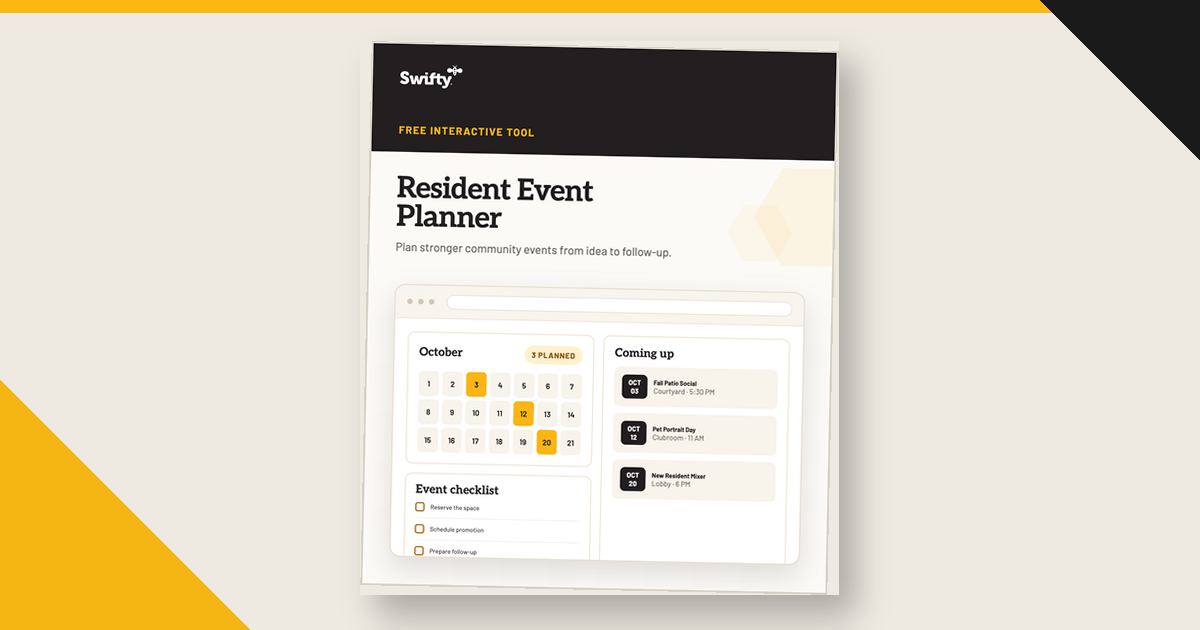
Start with the purpose, space, budget, and staff time you have. This planner helps you narrow a library of event ideas into a practical shortlist, then turn that shortlist into a property planning guide.
Filter by season, indoor or outdoor setting, budget, staff effort, and purpose. Read each idea's preparation and inclusion notes before selecting it.
Choose up to six ideas. Add your property name and planning date, then check the supplies and setup against your actual space, staffing, policies, and approved providers.
Copy the planning notes or print the designed guide. Your browser's print dialog can save a PDF. Confirm the owner, timing, accessibility arrangements, and follow-up before promoting the event.
Suppose a fictional community needs a low-budget, light-staff indoor idea. Start with those filters and review an option such as a coffee and tea welcome bar. The guide brings together supplies, setup, promotion, and inclusion reminders. Your team still confirms the actual date, venue, ingredients, accommodation contact, and cleanup plan. This is a planning example, not a property result or a promise of resident retention.
These hypothetical planning notes show how to evaluate an idea for a fictional community. They are not a tool-generated plan, a claim about a specific catalog entry, or a promise of attendance or retention. Confirm the space, property rules, budget, staff coverage and accommodation contact before using any idea.
For a shared clubhouse, start with a short drop-in window and an assigned host. Plan cups, ingredient labels, a water option and a cleanup station. Keep the accessible route clear, check food-service rules and ask about dietary needs rather than assuming everyone drinks coffee. Confirm actual quantities and costs before inviting residents.
For a property with an approved outdoor gathering area, plan a seated craft table, washable supplies and staff setup and cleanup time. Check weather, shade, accessible seating and what residents can take home. Choose a non-planting alternative if soil, pets or property rules make planting unsuitable; do not assume an outdoor venue is available.
For a small indoor gathering, plan labeled tables, a host and a clear end time. Set acceptable-item guidelines and decide what happens to items left behind. Offer a way to join without donating, keep walkways clear and confirm that the clubhouse can be used at the proposed time. Review any photographs for consent before sharing.
Yes. Use the work-email access form to open the free planner. There is no event booking or purchase in the planner.
You can copy the notes or print a designed planning guide. To keep a PDF, choose Save as PDF in your browser's print dialog.
No. It organizes ideas and planning guidance. Your team arranges providers, confirms property rules, and sends invitations through its approved channels.
Yes. Create a separate shortlist and property guide for each community so its space, staffing, budget, and resident needs are checked independently.